Feeling Googly

First it was Google telling me my Pixel 4a phone’s battery was going to get clobbered by an update. The upshot of that was the purchase of a Pixel 8a for $300.

Now my 2nd generation Chromecast and Chromecast Audio devices have been clobbered, possibly by outdated encryption certificates. Google says they’re going to “roll out a fix.”

Important information about your Chromecast

We’re contacting you because of a disruption affecting Chromecast (2nd gen) and Chromecast Audio devices. We apologize for the issue and understand your frustration. We are working to roll out a fix as soon as possible and will share updates and guidance on the Nest Community page. We appreciate your patience as we resolve this issue.

© 2025 Google LLC, 1600 Amphitheatre Parkway, Mountain View, CA 94043, United States

There is no replacement for Chromecast Audio. The new Google TV Streamer that replaces Chromecast is too much like Roku and Fire TV — and too expensive by comparison — to be of any interest to me.

Cast Your Fate to Google

The only music service I care about that’s missing from Lyrion is SiriusXM. For that, there’s a Google Chromecast Audio device on the Harman-Kardon receiver in the living room.

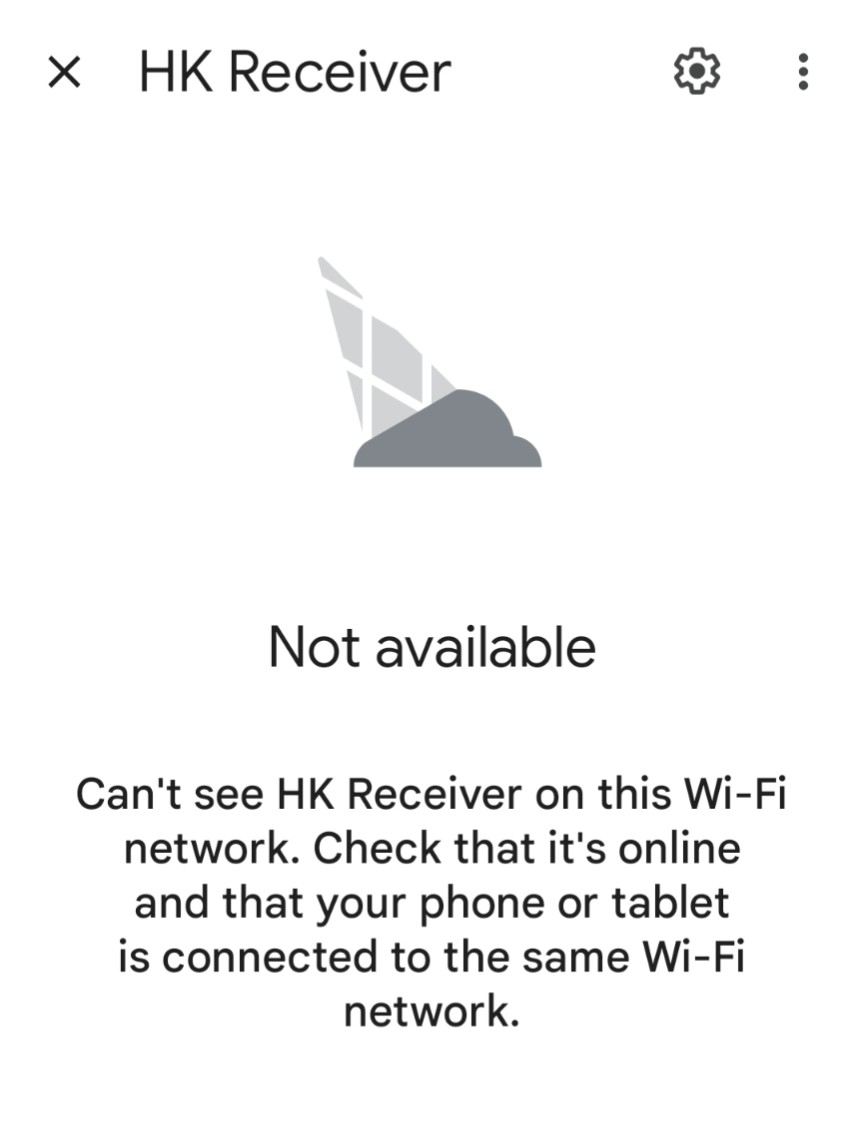
I’ll start SiriusXM in Chrome on my laptop PC, cast it to Chromecast Audio, then close the tab on the browser. Later, I’ll use the Google Home application on my phone to stop casting. Right now, however, the SiriusXM station I started playing yesterday is still playing, because Google Home can’t connect to Chromecast Audio.

Every Chromecast Audio device in the world is experiencing the failure.

https://www.androidpolice.com/unable-to-cast-to-chromecast-youre-not-alone/

But not to worry, Google says they’re working on it.

https://www.reddit.com/r/googlehome/comments/1j7crcn/comment/mgzcsog/?rdt=52529

Atomic Clock Failure!

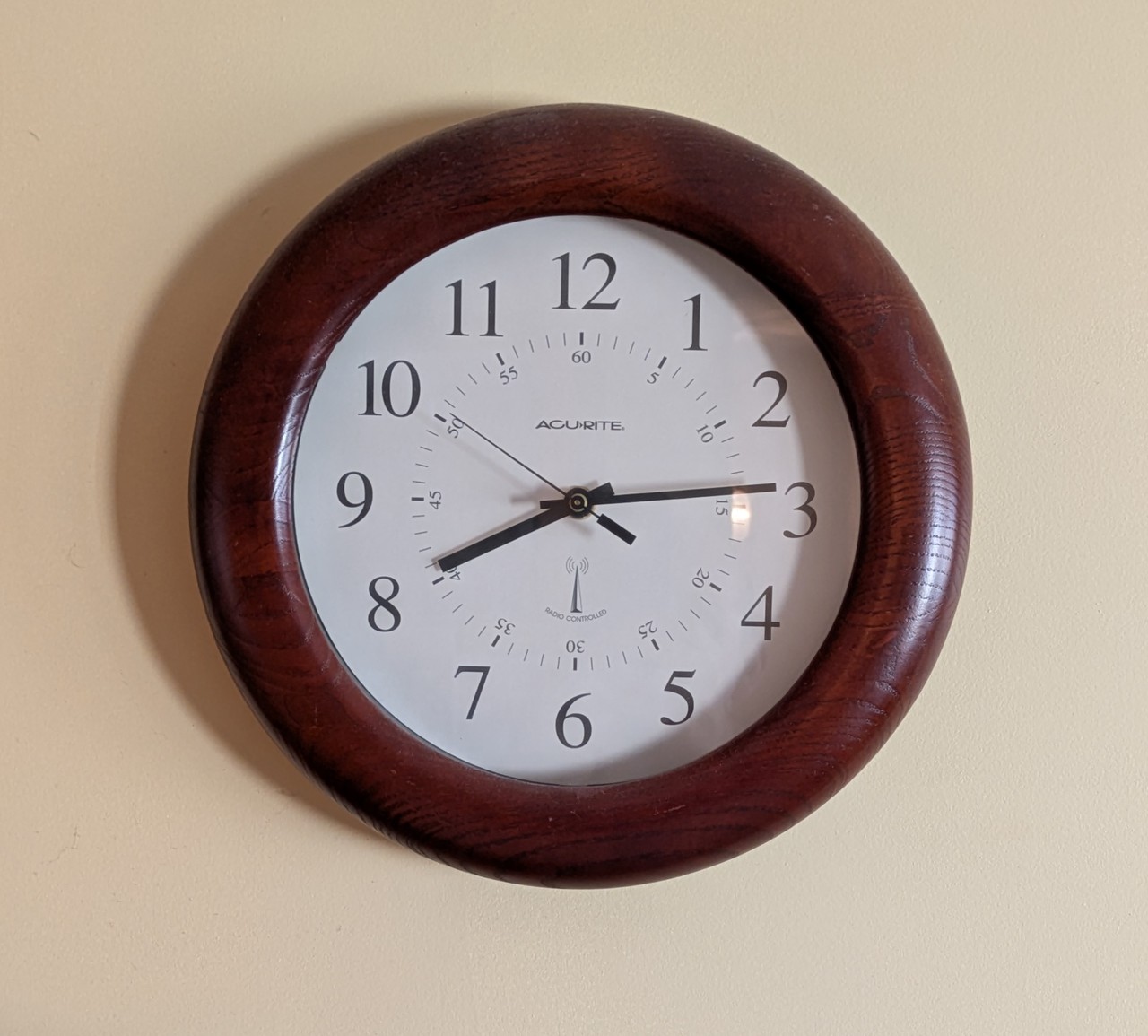
My radio-controlled Acu-Rite wall clock is supposed to be synchronized with the NIST Atomic Clock.

https://www.nist.gov/pml/time-and-frequency-division/time-distribution/radio-station-wwvb

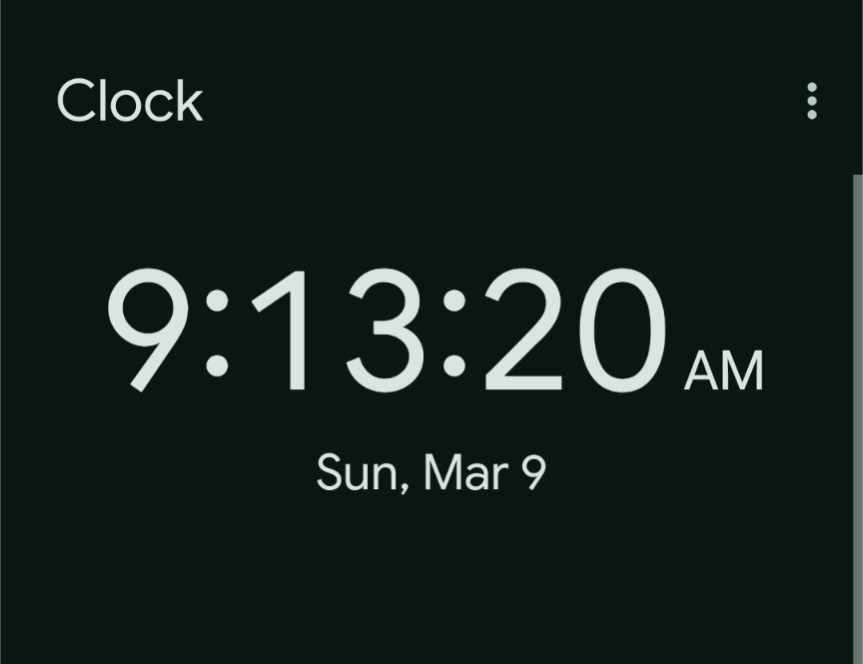
All the Acu-Rite has to do is receive the signal from that one station, WWVB in Fort Collins, Colorado. Apparently, it wasn’t paying attention last night, when Daylight Saving Time kicked in.

Maybe it’s bothered that the station’s call letters aren’t KWVB, despite being west of the Mississippi River. Or perhaps the clock doesn’t like Daylight Saving Time because of Colorado’s proximity to Arizona. Wait. Did Trump tell Elon to turn off the signal?

Update: I took the battery out of the clock and replaced it. Overnight, it synched up with the shortwave signal and now displays the correct time.

Self-Healing on the Internet

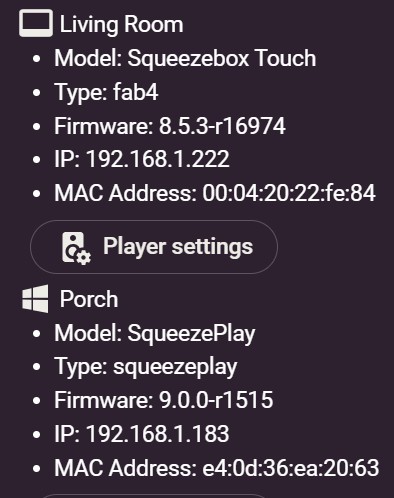
Most people are entertained by watching pets, whether their own or on YouTube videos. I get my jollies from obsessively checking my home network. Today I am amused to see the Squeezebox Touch has relinquished its self-determined IP address, and reclaimed its leased DCHP address.

[An aside to tastewar: A bit of digging revealed that Wireshark’s OUI database is incomplete. It failed to recognize the MAC address for my laptop PC, that’s running Squeezeplay, as belonging to Intel. Another database found it, and also revealed that 2e:2e:2e is still very much alive and kicking, at least in the IEEE’s listing.]

My curiosity piqued by the Touch once again working with the G3100 router’s DHCP server, I checked the log and… oh… my… God. The process has been running wild. Fine, whatever, as long as it works. If it wants to rotate between DHCP and APIPA, I won’t get in the way.

[LDHCP] DHCPACK on 192.168.1.212 to 00:04:20:29:e6:b1 (SqueezeboxRadio) via br-lan
2025 Mar 6 10:35:27
dhcpd
info
[LDHCP] DHCPREQUEST for 192.168.1.212 from 00:04:20:29:e6:b1 (SqueezeboxRadio) via br-lan
2025 Mar 6 10:29:42
dhcpd
info
[LDHCP] DHCPACK on 192.168.1.194 to 00:04:20:2c:84:5c (SqueezeboxRadio) via br-lan
2025 Mar 6 10:29:42
dhcpd
info
[LDHCP] DHCPREQUEST for 192.168.1.194 from 00:04:20:2c:84:5c (SqueezeboxRadio) via br-lan
2025 Mar 6 10:29:19
dhcpd
info
[LDHCP] DHCPACK on 192.168.1.246 to 00:04:20:26:7e:57 (SqueezeboxRadio) via br-lan
2025 Mar 6 10:28:40
dhcpd
info
[LDHCP] DHCPREQUEST for 192.168.1.246 from 00:04:20:26:7e:57 (SqueezeboxRadio) via br-lan
2025 Mar 6 10:23:04
dhcpd
info
[LDHCP] DHCPACK on 192.168.1.222 to 00:04:20:22:fe:84 (SqueezeboxTouch) via br-lan
2025 Mar 6 07:19:54
dhcpd
info
[LDHCP] DHCPREQUEST for 192.168.1.222 (192.168.1.1) from 00:04:20:22:fe:84 (SqueezeboxTouch) via br-lan
2025 Mar 6 07:19:54
dhcpd
info
[LDHCP] DHCPOFFER on 192.168.1.222 to 00:04:20:22:fe:84 (SqueezeboxTouch) via br-lan
2025 Mar 6 07:19:54
dhcpd
info
[LDHCP] DHCPDISCOVER from 00:04:20:22:fe:84 (SqueezeboxTouch) via br-lan
2025 Mar 6 07:19:51

 Continue reading Self-Healing on the Internet

Self-Satisfaction on the Internet

Nope, there’s nothing salacious being implied by the title of this post. It’s about the ongoing DHCP client problem with my Logitech streaming audio devices. As a result of the occasional failure to successfully complete the renewal of their private space IP address leases via DHCP, they have been falling off the network.

Several players are Squeezeplay programs on Windows, so they don’t have the problem, like these Logitech hardware players do.
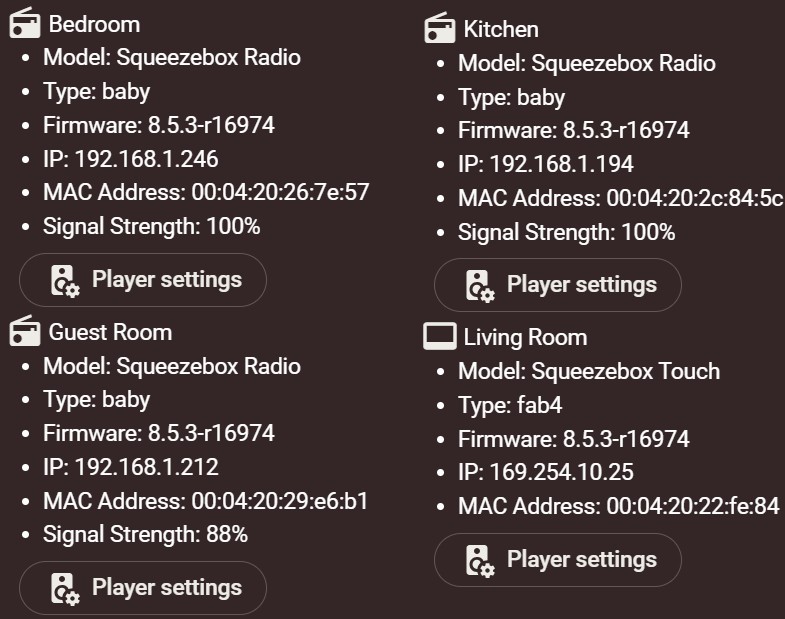
  • The first three bytes of Media Access Control (MAC) addresses, commonly called Ethernet addresses, are registered to manufacturers through the IEEE.
  • MAC addresses starting with 00:04:20 are registered to Slim Devices, the name of the company that Logitech bought in 2006.*
  • All four devices had DHCP renewal failures with their native 802.11g WiFi implementations when using the G1100 router.
  • IOGEAR Ethernet-to-WiFi 802.11n adapters eliminated that problem.
  • The problem returned with the IOGEAR adapters on the new G3100 WiFi router. Sheesh. Go figure.
  • The Squeezebox Radios have been put back on their native 802.11g WiFi connections. So far, they are compatible with the G3100. Amazing.
  • The last firmware update apparently disabled WiFi on the Squeezebox Touch, I suspect unintentionally; so, for now, an external IOGEAR adapter must be used. That’s why signal strength does not appear in the device information.
  • The DHCP renewal problem persists on the Squeezebox Touch.

The TCP/IP software on the Squeezebox Touch supports APIPA — automatic private internet protocol addressing. I haven’t noticed if it’s also available on the radios.

Decades ago, in the age of 10 Mbps Ethernet hubs, I experimented with self-assigned IP addresses in Windows. In fact, until working on this latest problem, I believed the feature was unique to Windows.

https://learn.microsoft.com/en-us/windows-server/troubleshoot/how-to-use-automatic-tcpip-addressing-without-a-dh

Fortunately, I was wrong. With a self-assigned IP address, the Squeezebox Touch is playing nice with the Lyrion music server, the other Logitech players, and the wide world beyond. As long as everything continues to work I’m going to take the win and stop all of the fussing and futzing.

* Note to tastewar: 2e:2e:2e is no longer registered. https://www.wireshark.org/tools/oui-lookup.html