I posted this on the Lyrion Music Server community forum:
I never determined why my Squeezebox devices started falling off my Verizon G1100 (Quantum Gateway) Wifi network. The workaround was to install IOGEAR GWU637 Ethernet-to-802.11n Wifi adapters.
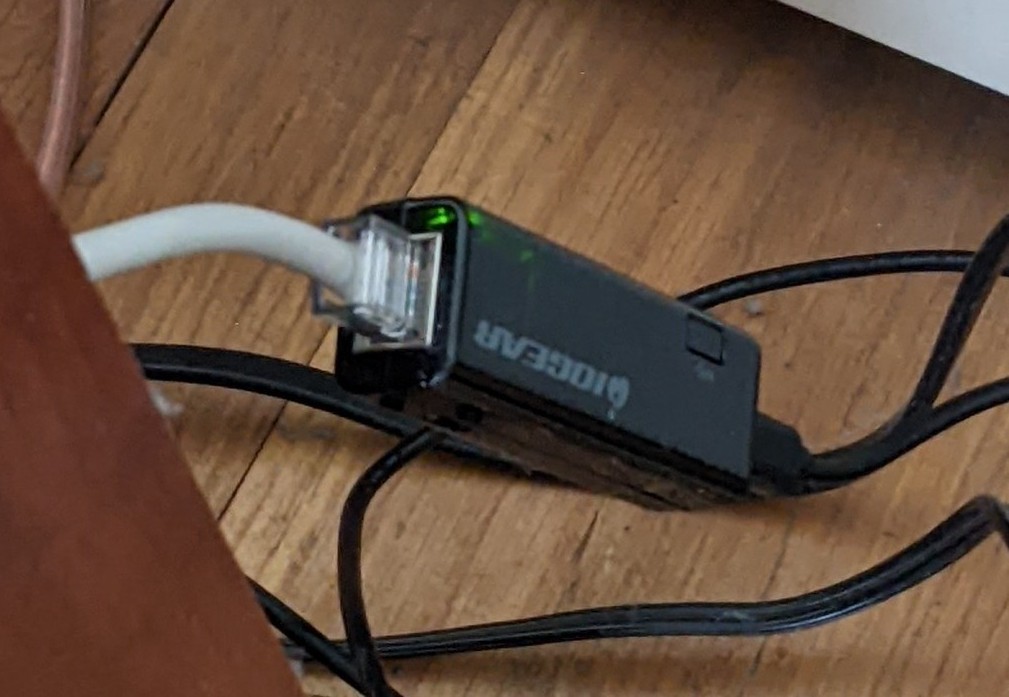
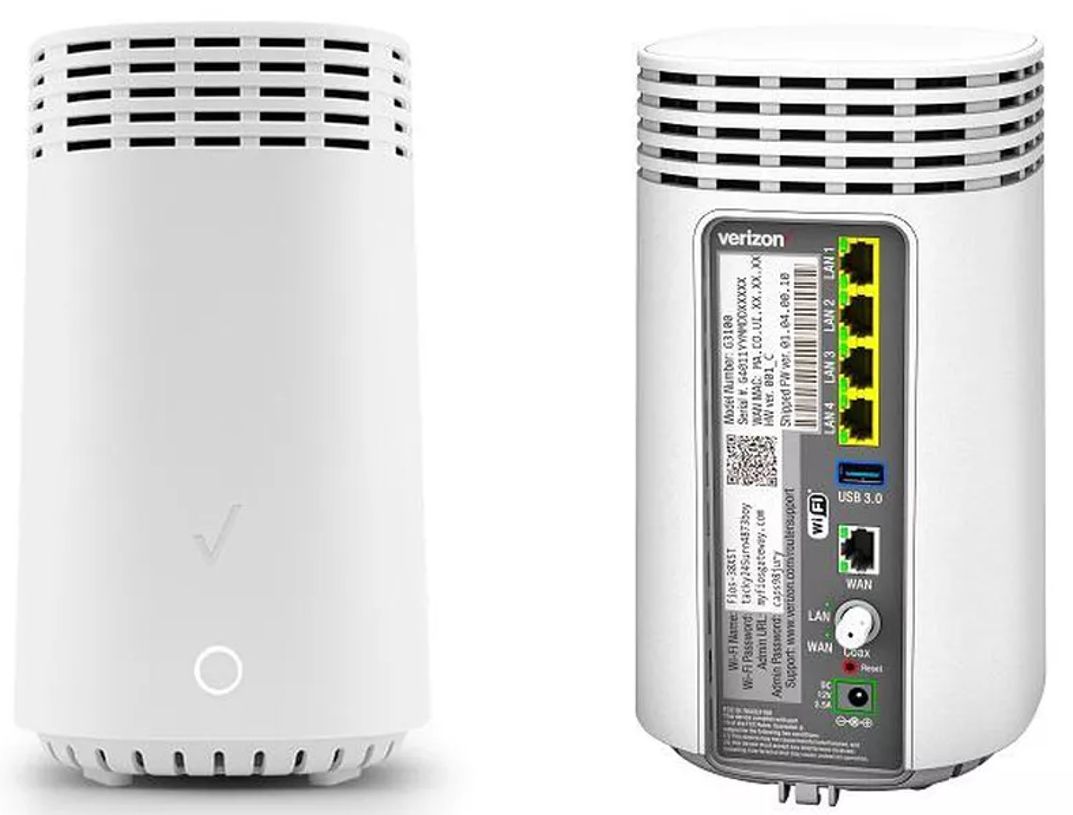
Recently, Verizon sent me a G3100 router. After switching over to that, the Touch and the three Radios worked for a few days, but then they started losing their assigned IP addresses and they couldn’t find the DHCP server to renew their leases. Recycling power on the IOGEAR adapters put them back online, but only temporarily.
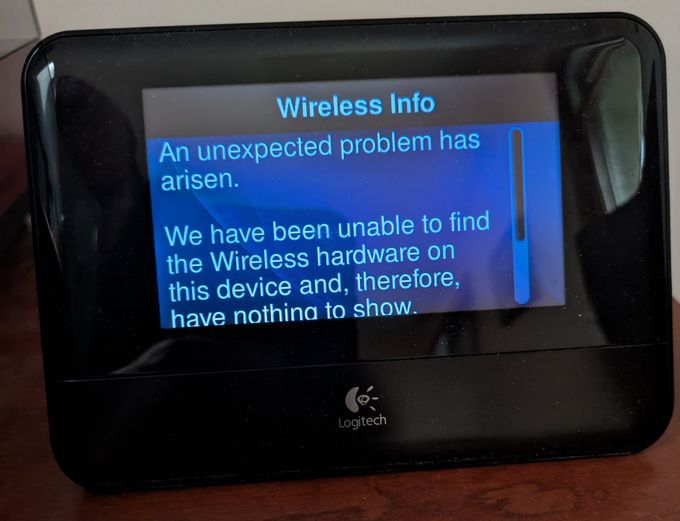
I switched one of the Radios back to its native 802.11g Wifi and, unlike what happened with the G1100, it worked reliably. So I returned the other two Radios to their own Wifi. The Touch, however, is “unable to find the Wireless hardware.” From other reading I’ve done here, this is apparently caused by updating the Community Firmware while the Touch is on Ethernet.
I figured out what was breaking within DHCP, and the short answer is the G3100 doesn’t like the IOGEAR adapter having the IP address 192.168.1.254. The address is within the router’s DHCP scope, and there’s no way to exclude individual IP addresses from being handed out to clients. So two nodes on the network having the same IP address would be a possibility.
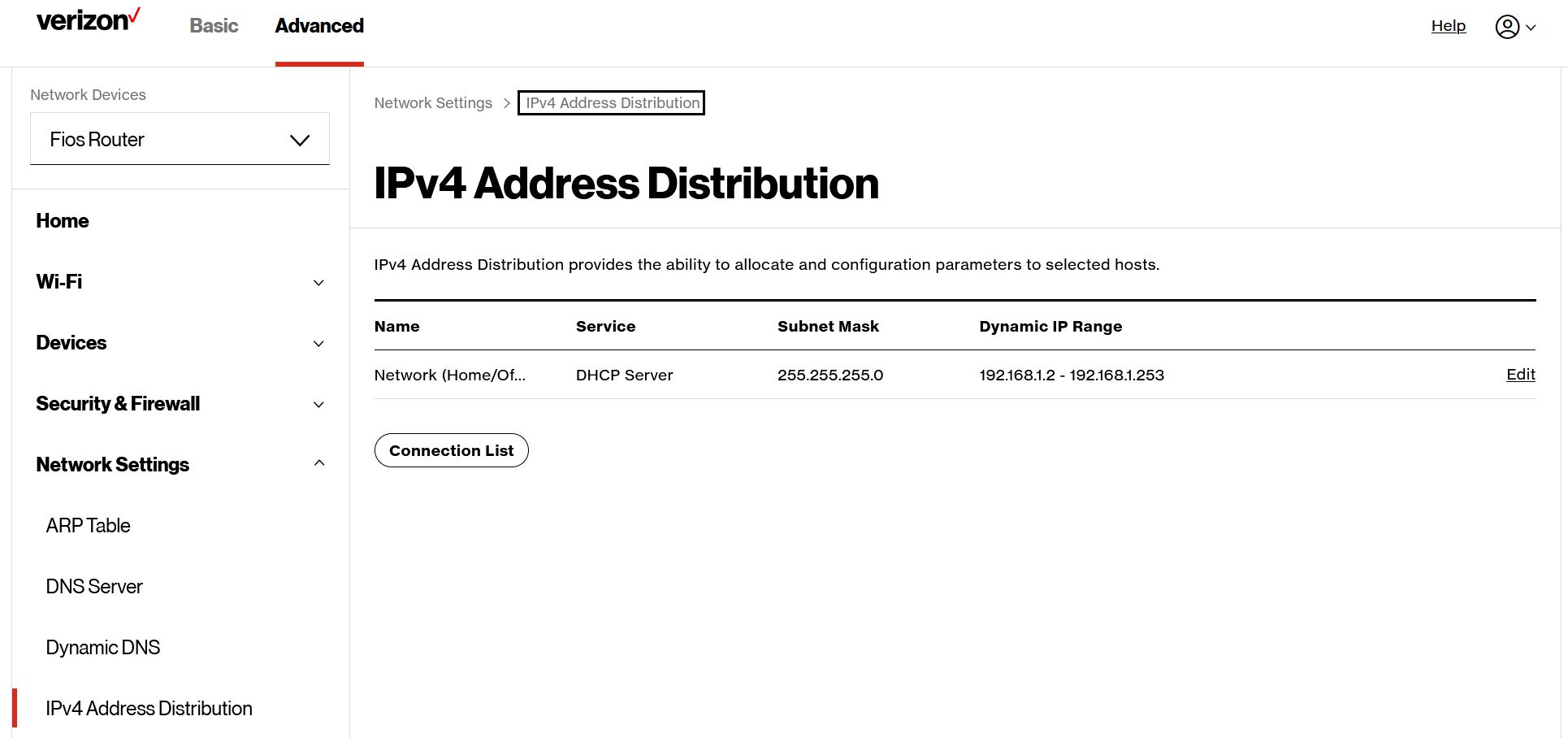
The solution is to take 192.168.1.254, the last IP address in the range, out of the router’s DHCP scope. Alternatively, changing the IOGEAR’s IP address to a localhost loopback, 127.0.0.1, also works. The Touch has stayed online long enough that I’m confident this is the fix. If it isn’t, I’ll have to do a follow-up. I won’t bother speculating on why this isn’t a problem with the G1100.
NOTE: The IP address is on the Touch, but the MAC address that’s needed for LAN communication comes from the adapter. So IOGEAR appears on the G3100’s active device list and the Touch is seen as enabled, but offline.